Browse Student View
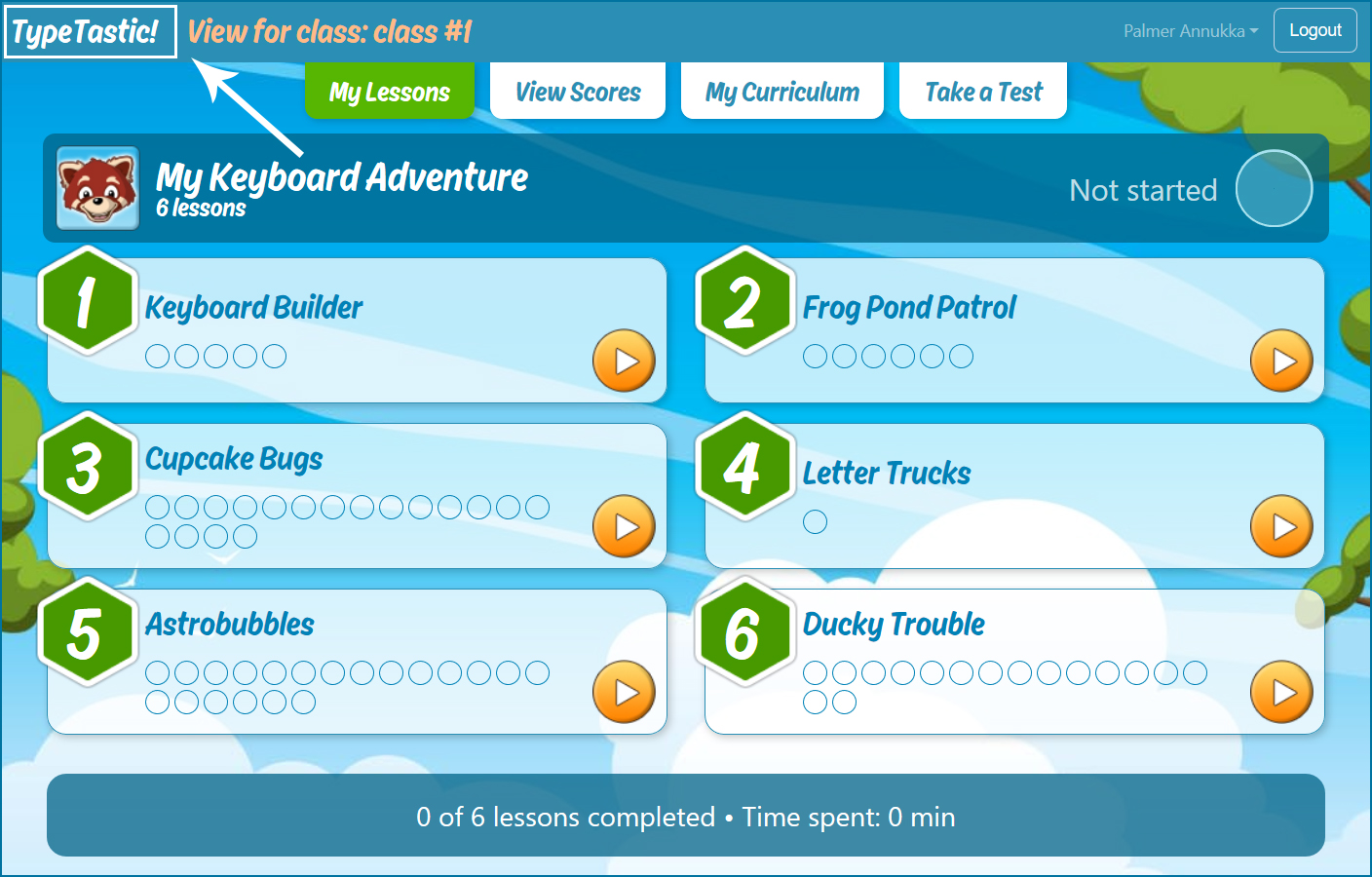
Curious to see how the curriculum looks like for your class?
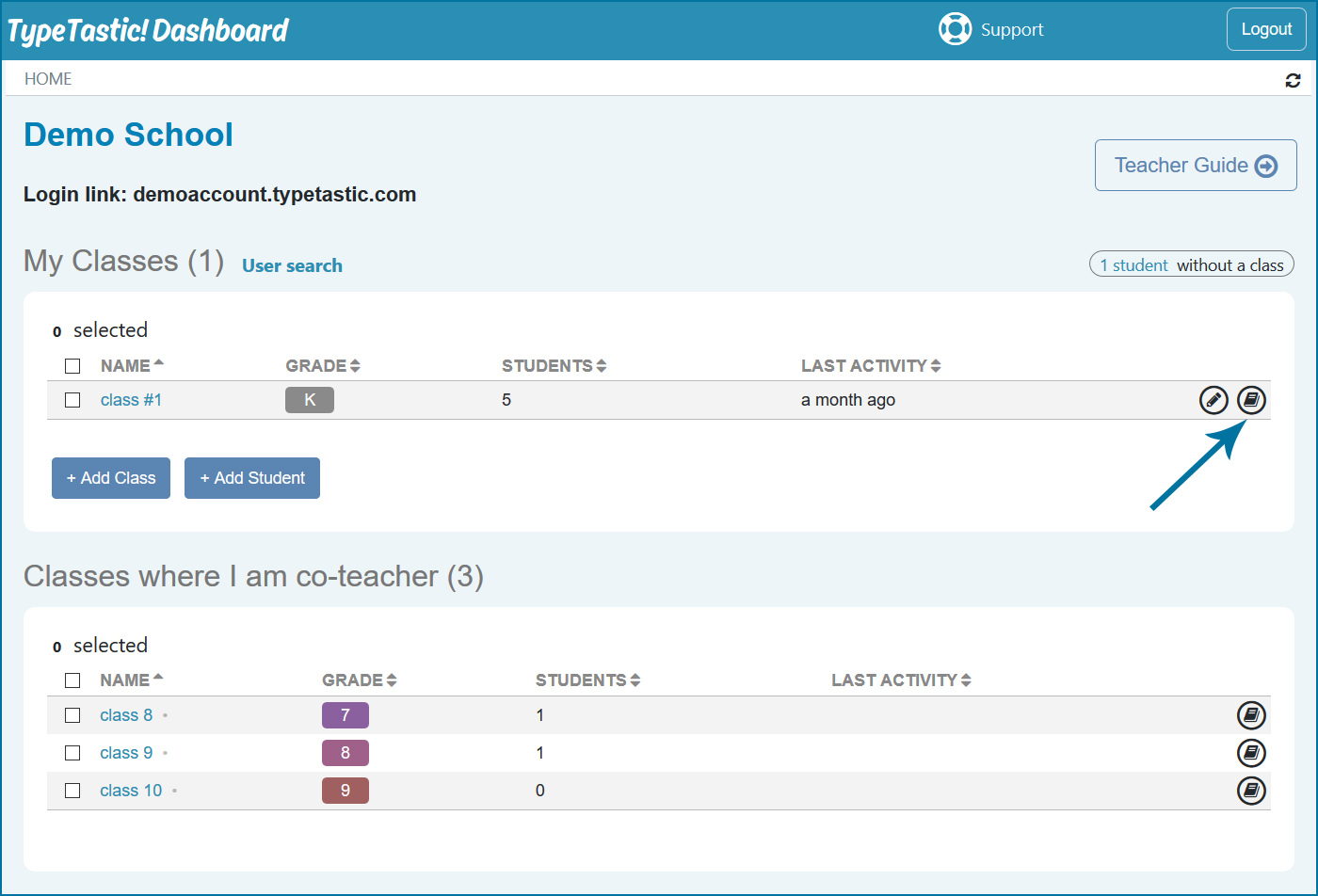
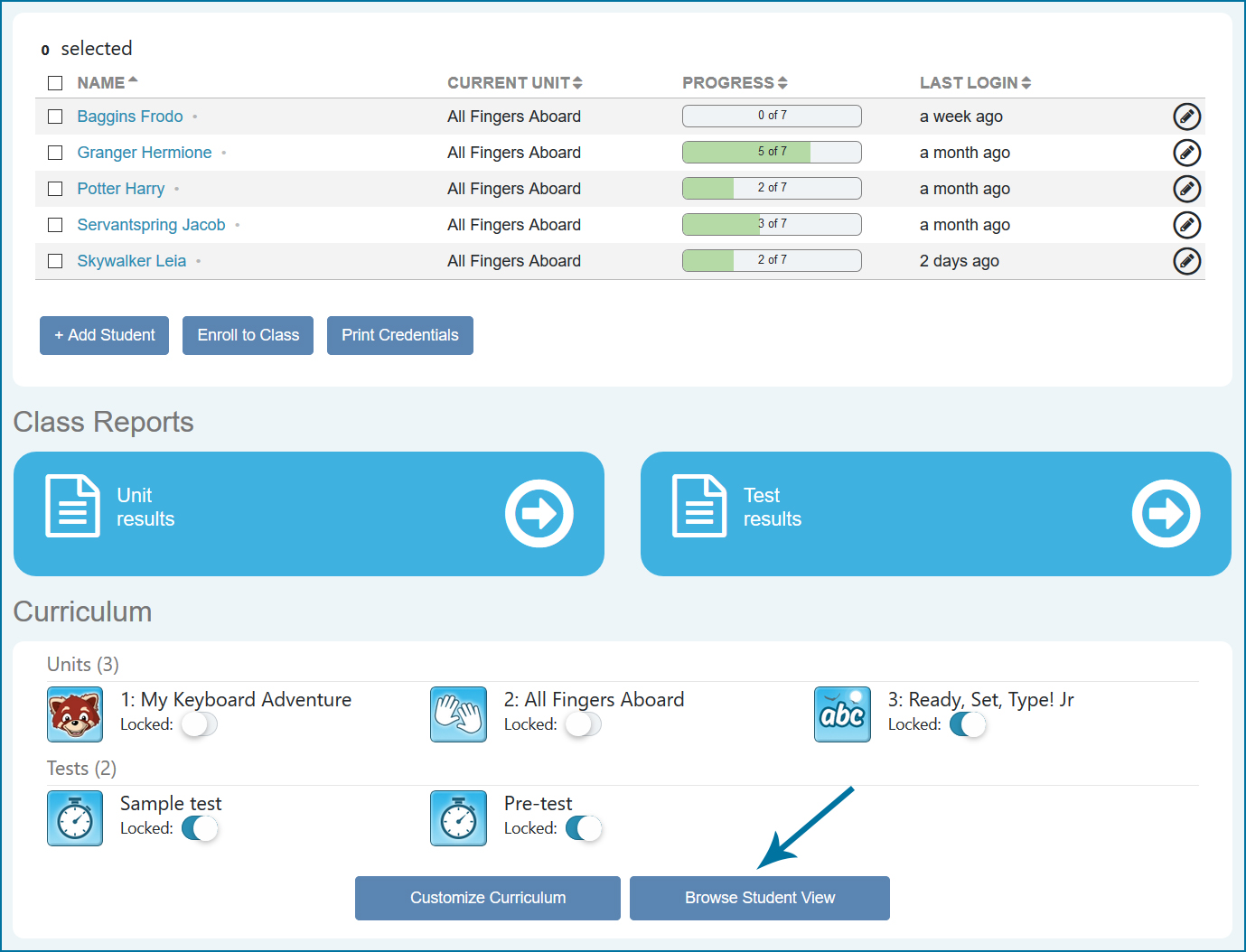
- On your home page, click on the browse icon or, on your class page, view the study side from a student’s point of view by clicking on Browse Student View
- Return back to your Dashboard by clicking on the TypeTastic logo on the upper left-hand corner