Starting a Lesson
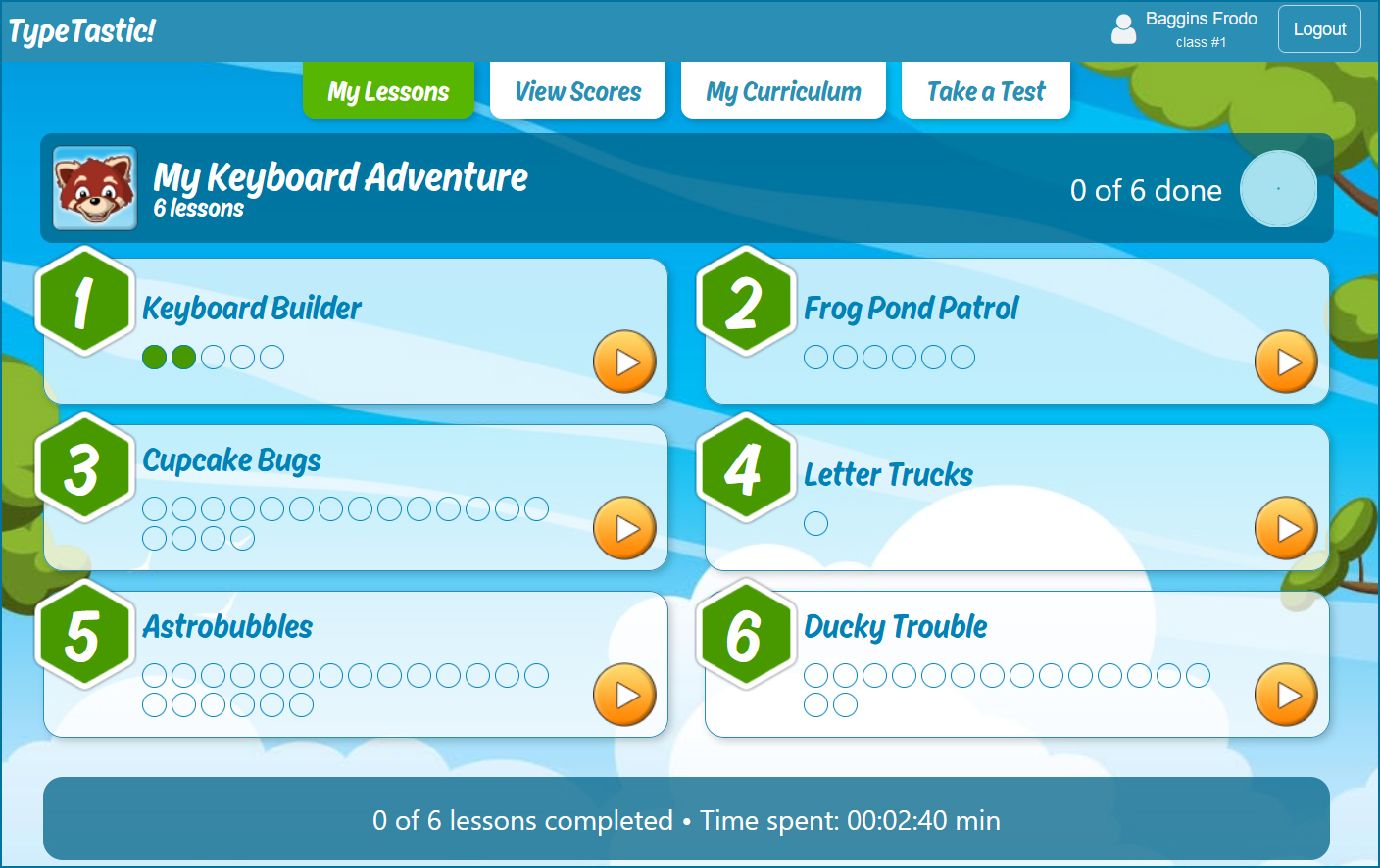
When you start a unit you will be taken to the My Lessons page. Select which lesson you would like to take and click on the orange button to begin. Each course consists of lessons which, in turn, consist of activities. We recommend completing a unit from the first lesson to last. When you select a lesson by clicking on it, the typing tutor applet will load.
Previously completed activities are shown as green dots on My Lessons page.
NOTE!
You may find that lessons are locked. In this case, your teacher has enabled Lesson Locks. When the locks are enabled, you must pass each lesson starting from the first to unlock the next one.