Login Cards
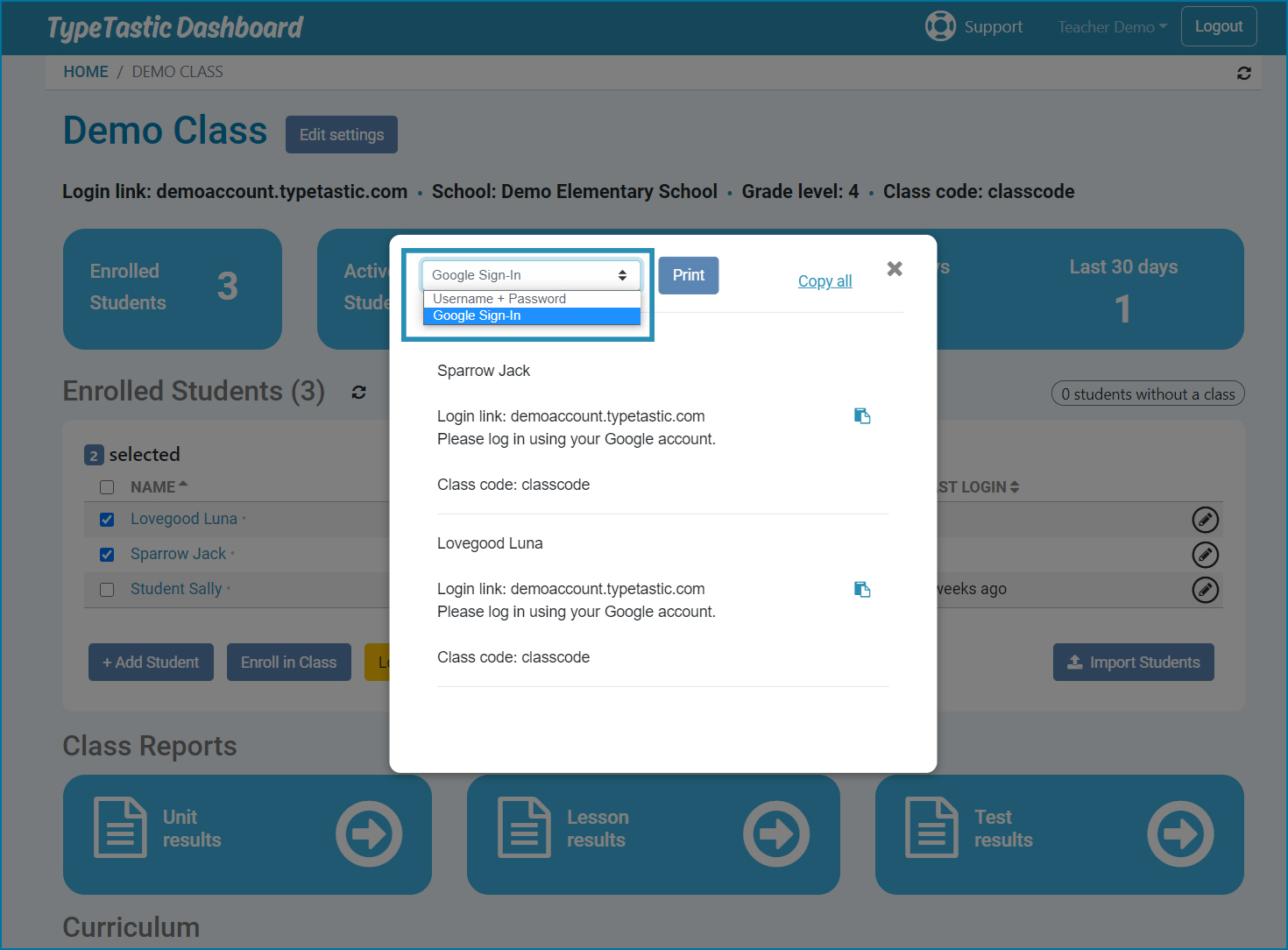
TypeTastic features login cards you can either print out or copy to your clipboard and paste to another program or service.
- Go to your class page and select student(s)
- Click on Login Card button
- Click on Print button to print the logins, or copy all or selected login cards to your clipboard
NOTE!
To ensure access for all users at all times, TypeTastic creates a password for students that are using Google, Office 365 or ClassLink SSO as their primary login method. The password is not Google, O365 or ClassLink password. Login Card screen gives you the option to select to print/copy either Google SSO/O365/ClassLink login cards without passwords, or username and password created by TypeTastic.